
A home-theater screen and speaker layout should turn room use and user experience into coordinated device locations, signal paths, rack resources, cable identities, and commissioning information. The finished resource must be useful at field scale, traceable to an approved scope, and explicit about anything that has not been verified.
This contractor guide answers the search for home theater screen projector speaker placement with a practical documentation method. It teaches drawing and workflow organization; it does not replace adopted code, engineered design, licensing, manufacturer instructions, contractual requirements, or authority-having-jurisdiction approval.
What this document must accomplish
A professional home-theater screen and speaker layout is not a collection of disconnected symbols. It is a controlled project record. The reader should be able to identify the intended function, locate every documented component, follow its relationship to serving equipment, find supporting attributes, understand scope boundaries, and see which conditions still require field confirmation.
Before drawing the home-theater screen and speaker layout, define who will use the document and at what stage: customer review, budgeting, permit or submittal coordination, installation, commissioning, training, service, or record documentation. One drawing may support several stages, but its title, revision, status, and limitations should make the intended use unmistakable.
Information to collect before design
| Priority | Required input | Control |
|---|---|---|
| 1 | room use, audience, sources, destinations, control, and performance intent | Record source, status, owner, date, and unresolved assumption. |
| 2 | display or screen geometry, seating, speaker zones, sightlines, acoustics, and mounting conditions | Record source, status, owner, date, and unresolved assumption. |
| 3 | signal formats, bandwidth, switching, transport, DSP, amplification, control, and network dependencies | Record source, status, owner, date, and unresolved assumption. |
| 4 | rack space, power, heat, ventilation, service access, patching, and future capacity | Record source, status, owner, date, and unresolved assumption. |
While developing the home-theater screen and speaker layout, do not hide missing information inside a generic allowance. Mark inaccessible areas, unavailable backgrounds, undecided equipment, unconfirmed pathways, and owner decisions as open items. Assign each item an owner and next action so it can be resolved before it becomes a field change.
Begin with the room, seating, content, viewing/listening priorities, and constraints—not a one-size-fits-all placement formula.
Step-by-step method
- Measure finished room geometry and mark doors, windows, soffits, beams, ceiling height, light sources, HVAC, and planned treatments.
- Lay out seating and sightlines; document screen size/height/aspect assumptions and accessible circulation.
- Check projector throw, lens shift, mount zone, obstruction, ventilation, service, noise, and signal/power routes using current product data.
- Place loudspeakers and subwoofers relative to seating and room boundaries; identify positions that require field measurement or calibration.
- Cross-reference all device IDs to equipment and cable schedules.
Documented example to create
Create a plan and section/elevation for one room with dimensioned assumptions and a rejected/corrected placement example.
Technical review
Do not guarantee image or acoustic performance without model-specific calculations and field verification.
Documentation fields that make the guide buildable
For the home-theater screen and speaker layout, use stable device and segment identifiers. Pair every symbol with enough schedule data to distinguish it from similar-looking devices. Typical controlled fields include location, device type, mounting, serving room/rack/panel, pathway or cable ID, existing/new status, model basis, quantity relationship, responsibility, and installation or testing notes. Add discipline-specific fields only when they improve a real decision.
To keep the home-theater screen and speaker layout readable, place repeated detail in schedules rather than covering the plan with notes. The drawing communicates spatial relationships; a riser communicates topology; a rack elevation communicates physical equipment order; a signal-flow diagram communicates logical connectivity; and a schedule carries repeated attributes. Cross-reference these documents instead of forcing all information onto one sheet.
Coordination and related low-voltage references
For the home-theater screen and speaker layout, the location plan, signal-flow diagram, rack elevation, cable schedule, network requirements, control narrative, and commissioning record must agree. Record observed interoperability separately from theoretical format compatibility, and verify product-specific behavior against current manufacturer documentation.
- Home Theater AV Rack and Cable Schedule — use this related reference to keep shared IDs, pathways, and project assumptions consistent.
- How to Create an AV Signal-Flow Diagram — use this related reference to keep shared IDs, pathways, and project assumptions consistent.
- Low-Voltage Floor Plan Design Workflow — use this related reference to keep shared IDs, pathways, and project assumptions consistent.
Estimating, proposal, and field-handoff implications
Translate the documented devices and pathways in the home-theater screen and speaker layout into quantities while preserving the basis. Device counts alone rarely equal a complete bill of materials. Review mounting accessories, interfaces, licenses, power, batteries, switching, patching, rack hardware, cable, pathway materials, connectors, labels, testing, lifts, mobilization, training, closeout, and project-specific services. Keep measured quantities separate from allowances and uncertainty.
The customer-facing scope associated with the home-theater screen and speaker layout should point to the approved drawing revision and explain inclusions, exclusions, options, owner responsibilities, assumptions, and acceptance criteria in plain language. When the plan changes, review the BOM, labor, proposal, schedule, and follow-up record together.
Worked documentation example
Use a small controlled example before scaling the home-theater screen and speaker layout across the full project. Choose one representative room, opening, pathway, rack, zone, or system branch and follow every identity through the drawing set. This exposes naming conflicts and missing schedule fields while they are still inexpensive to correct.
| Sequence | Example element | Required relationship | Review state |
|---|---|---|---|
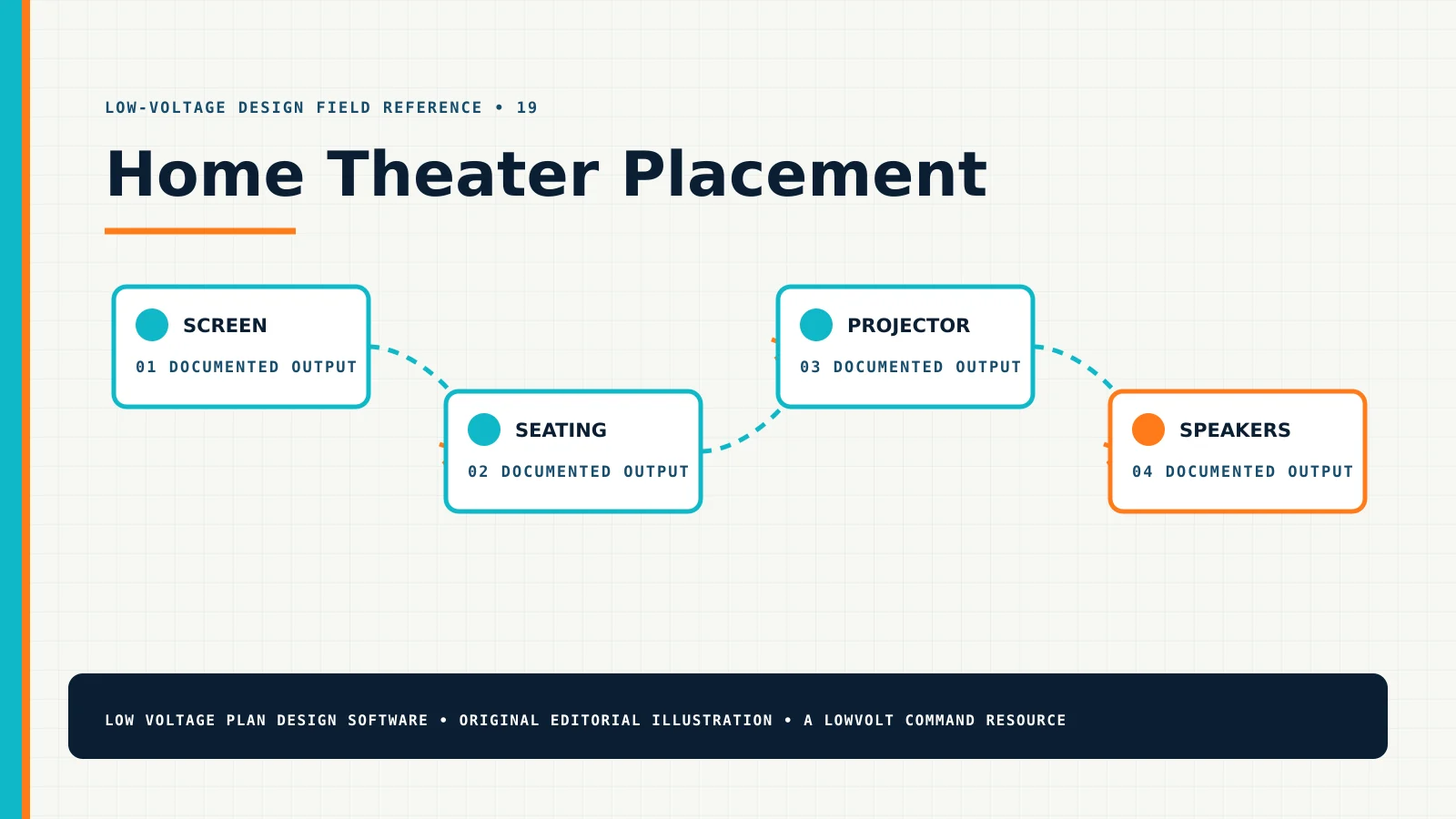
| 1 | screen | Assign a stable ID, document the design basis, and reference the supporting plan, schedule, riser, or test record. | Open until its source and responsible reviewer are recorded. |
| 2 | seating | Assign a stable ID, document the design basis, and reference the supporting plan, schedule, riser, or test record. | Open until its source and responsible reviewer are recorded. |
| 3 | projector | Assign a stable ID, document the design basis, and reference the supporting plan, schedule, riser, or test record. | Open until its source and responsible reviewer are recorded. |
| 4 | speakers | Assign a stable ID, document the design basis, and reference the supporting plan, schedule, riser, or test record. | Open until its source and responsible reviewer are recorded. |
After the home-theater screen and speaker layout example is reviewed, apply the same information model to similar items without assuming that their field conditions are identical. Copy the structure, not unverified values. Record deviations such as a different mounting surface, longer route, alternate lock function, higher PoE load, changed signal format, or inaccessible ceiling as explicit project data.
Revision control from survey through closeout
Give every issued home-theater screen and speaker layout version a date, revision identifier, purpose, and accountable owner. Preserve the previous approved version so the team can explain what changed. A useful revision note identifies affected devices or segments and the downstream documents that require review. “Updated plan” is not enough when the change also affects ports, licensing, storage, rack units, cable quantities, labor, scope, or customer price.
During installation of the work documented by the home-theater screen and speaker layout, collect marked-up changes against the same identifiers used in design. Resolve discrepancies before producing record documents. Closeout should connect the installed item to its label, test or commissioning result, configuration record where appropriate, customer training or acceptance evidence, and final drawing reference. That traceability is what turns a design graphic into an operational project record.
Failure-mode review for the home-theater screen and speaker layout
A quality review should test how the documentation could mislead the next person, not merely confirm that required graphics are present. For the home-theater screen and speaker layout, select the relationships that carry the most technical or commercial risk and follow each from the observed condition through design, estimate, proposal, installation, testing, and closeout. This reveals gaps that a symbol count will not expose.
| Review element | Failure to prevent | Documentation control | Evidence |
|---|---|---|---|
| screen | If screen is missing or ambiguous, a device can power on while the intended signal, control, acoustic, visual, rack, or user experience remains incomplete. | Cross-reference screen to item 1 in the related schedule, diagram, decision log, and acceptance record. | Record reviewer, date, evidence, and approved revision. |
| seating | If seating is missing or ambiguous, a device can power on while the intended signal, control, acoustic, visual, rack, or user experience remains incomplete. | Cross-reference seating to item 2 in the related schedule, diagram, decision log, and acceptance record. | Record reviewer, date, evidence, and approved revision. |
| projector | If projector is missing or ambiguous, a device can power on while the intended signal, control, acoustic, visual, rack, or user experience remains incomplete. | Cross-reference projector to item 3 in the related schedule, diagram, decision log, and acceptance record. | Record reviewer, date, evidence, and approved revision. |
| speakers | If speakers is missing or ambiguous, a device can power on while the intended signal, control, acoustic, visual, rack, or user experience remains incomplete. | Cross-reference speakers to item 4 in the related schedule, diagram, decision log, and acceptance record. | Record reviewer, date, evidence, and approved revision. |
Resolve failures according to consequence. Stop and obtain qualified direction when life safety, egress, structural support, electrical power, environmental rating, cybersecurity ownership, code, licensing, or manufacturer limitations are involved. For commercial uncertainty, keep the assumption visible and connect it to an allowance, alternate, exclusion, responsible party, and due date. Recheck the home-theater screen and speaker layout after every decision that changes quantities, labor, equipment, software, pathway, testing, training, or customer scope.
Common mistakes to prevent
- Using a symbol or line without a stable identifier or schedule relationship.
- Copying a previous-project layout without verifying current purpose and conditions.
- Presenting an assumption as a verified fact.
- Allowing the plan, riser, schedule, BOM, and proposal to use different names for the same item.
- Adding detail until the drawing is unreadable instead of using cross-referenced documents.
- Ignoring service access, testing, labeling, closeout, and future revision needs.
Home Theater Screen, Projector, and Speaker Placement quality-control checklist
- Confirm that screen is visible, traceable, and coordinated with the related schedule or diagram.
- Confirm that seating is visible, traceable, and coordinated with the related schedule or diagram.
- Confirm that projector is visible, traceable, and coordinated with the related schedule or diagram.
- Confirm that speakers is visible, traceable, and coordinated with the related schedule or diagram.
- Confirm that the title, revision, status, scale or diagrammatic note, and intended use are visible.
- Confirm that existing, new, relocated, removed, alternate, and future work cannot be confused.
- Confirm that quantities and proposal language trace back to the approved design revision.
- Review all safety, compliance, manufacturer, and jurisdiction-specific statements with the qualified responsible party.
Related questions
How detailed should the home theater screen projector speaker placement be?
The home-theater screen and speaker layout should be detailed enough that the intended reader can make the next approved decision without guessing, but separated into plans, schedules, risers, and supporting documents when density harms readability.
Can this drawing generate a bill of materials automatically?
The home-theater screen and speaker layout can control device and pathway quantities, but the estimator still must review accessories, labor, services, allowances, commercial scope, and conditions that a plan cannot prove.
What should happen when field conditions differ?
When field conditions conflict with the home-theater screen and speaker layout, record the condition and stop work when safety or authorization requires it, obtain the appropriate decision, revise affected documents, and preserve the approved change through closeout.
Field verification and decision record
Review the home theater screen projector speaker placement in the field with the drawing available at a usable scale. Walk the intended sequence rather than checking symbols randomly. Confirm the room purpose, source, destination, signal format, transport, DSP, amplification, control, network, rack, cable, and commissioning. Photograph or note the condition that supports each important decision. Where a customer, IT representative, door-hardware consultant, electrician, architect, engineer, manufacturer, or authority must decide, record the responsible party and deadline instead of substituting an installer assumption.
For decisions affecting the home-theater screen and speaker layout, use a decision log for issues that can change cost or performance. Each entry should include the related device or segment ID, observed condition, available options, technical and commercial effect, requested decision, decision owner, date, and the revision where the result was incorporated. This gives sales and operations the same history and prevents an email approval from becoming disconnected from the plan.
Questions for the final design review
- Can a field technician locate every planned item and distinguish it from nearby work?
- Can the estimator trace every major quantity and allowance to a documented basis?
- Can the project manager identify prerequisites and work assigned to another trade?
- Can the customer understand the intended outcome and important exclusions without reading internal shorthand?
- Can a reviewer follow the relationship among plan, schedules, risers, equipment layouts, proposal, and revision record?
- Can the service team identify what was actually installed after closeout?
If any answer is no, improve the home-theater screen and speaker layout documentation before adding more decorative detail. The goal is not the busiest drawing; it is the clearest controlled record that supports the next action.
Authoritative external references
Use external references to verify terminology and current technical context, not to imply that a general article satisfies a project-specific standard.
- Consult AVIXA Audiovisual Project Documentation Sample for relationships among audiovisual project documents; verify the current edition or product version that applies to the project.
- Consult AVIXA Glossary of Audiovisual Terms for consistent audiovisual terminology and signal-flow definitions; verify the current edition or product version that applies to the project.
- Consult Dolby Speaker Setup Guides for manufacturer-specific home-theater speaker-layout guidance; verify the current edition or product version that applies to the project.
Using home theater screen projector speaker placement after approval
Issue the approved home-theater screen and speaker layout document in a format the field team can open, print, and identify. Preserve the native project data as well as the customer-facing export. Link the final drawing to its schedules, estimate, accepted proposal, and project record. At closeout, compare the approved intent with verified installation, record authorized deviations, and schedule future review where product configuration, network ownership, space use, or customer requirements may change.